

Load a CAD or 3D model, pick the finishes, and render the product the same way every time.
01Overview
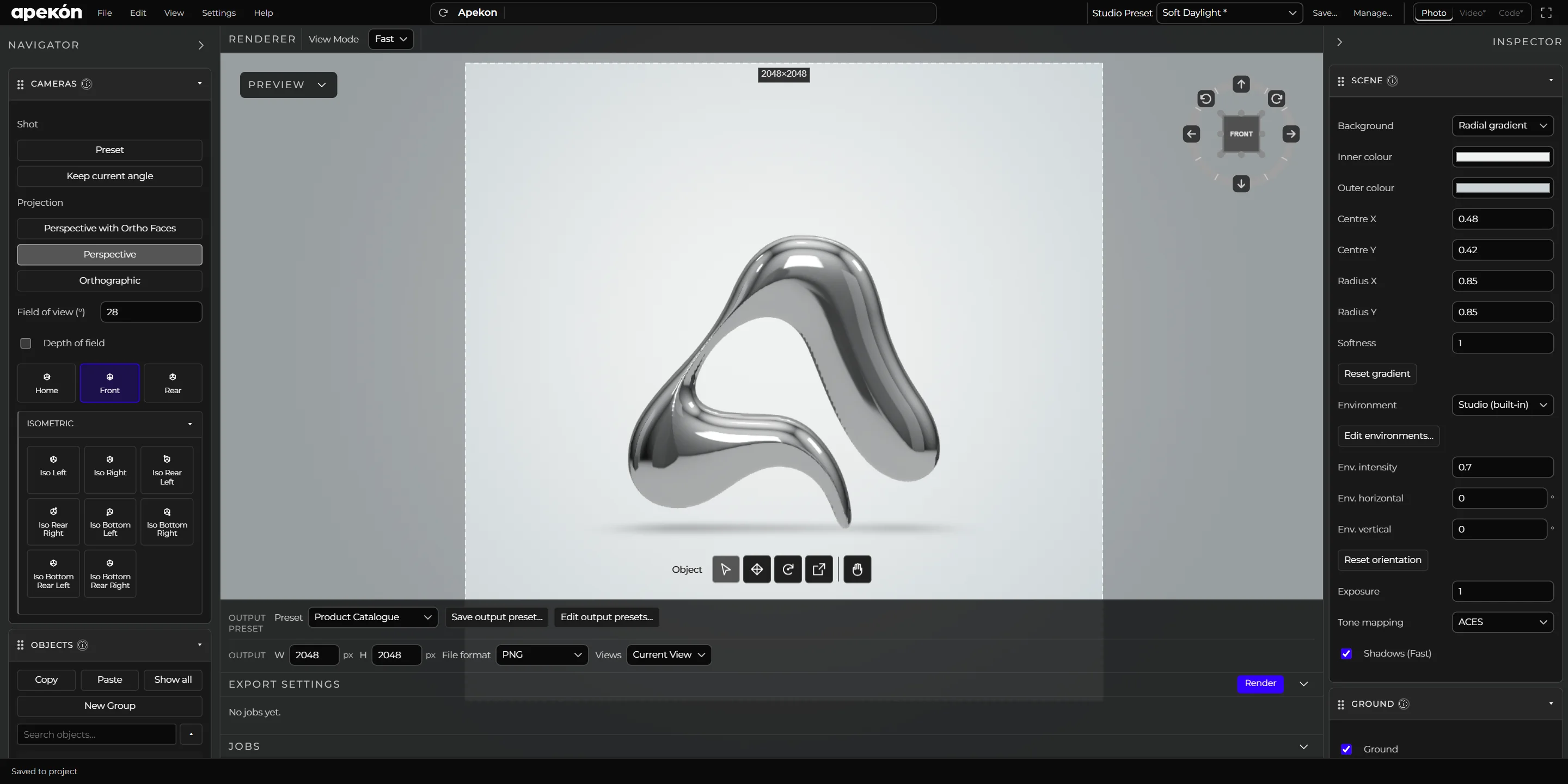
Apekon Studio is a desktop app for rendering products. Model prep, materials, lights, cameras and export all happen in one place, so today’s render matches the one from last month.
It’s for product designers and the people they work with, who need clean, repeatable views of a physical product and don’t want to run a full 3D pipeline to get them.
02Workflow
Model in, images out.
Import
Open GLB, glTF, OBJ, STL, PLY or STEP. STEP assemblies are converted locally and keep their parts and colors.
Materials
58 built-in materials in eight families, from plastic and paint to metal, glass and powder coat. Assign them part by part.
Light and cameras
Start from a Studio Preset, or set up the environment, lights, ground shadows, reflections and cameras yourself and save them.
Render and export
Render the current view or every saved camera in one go, photoreal or in technical and illustrated styles. Export the model as GLB.
03Local first
Your files stay on your machine.
Nothing gets uploaded. Apekon Studio runs on your computer, and each project is a folder you can move anywhere, with its models, materials, renders and exports inside.
Each render goes into a new folder, so you never lose an earlier image.
04Early access
Apekon Studio is still being built.
Request early accessEmail hi@apekon.com and say what you’d render first.
Next productTamplo.io